WhatsApp Plus
Download or update WhatsApp Plus APK 2025 Latest Version improved and customized privacy options, share data without limit or size.

Safe & Secure

Gmail is the official mailbox provider by Google, and is used by billions of people across the world, as it offers the best combination of simplicity, security, and functionality. It has seamless integration with all other Google products to enhance your productivity and security.
It is a cross-platform utility, and efficient cloud integration allows users to sync their data across multiple devices. The feature-rich utility enables Android users to send, receive, and manage their conversations more reliably.
Gmail is the world’s most powerful email service used by 1.8 billion users across the world, developed by Google, and was launched as a beta version in 2004. In 2009, it was published publicly. It is available within a web browser, a mobile app, and multiple third-party email clients while using POP and IMAP protocols.
It offers 15 GB cloud storage for free for Google products, including Google Drive, Google Photos, and so on. You can enhance the storage via a subscription plan. The main interface is embedded with a search engine and a dedicated “Conversation view”. You will find multiple innovative management tools for avoiding spamming and ensuring that the important emails remain on top.
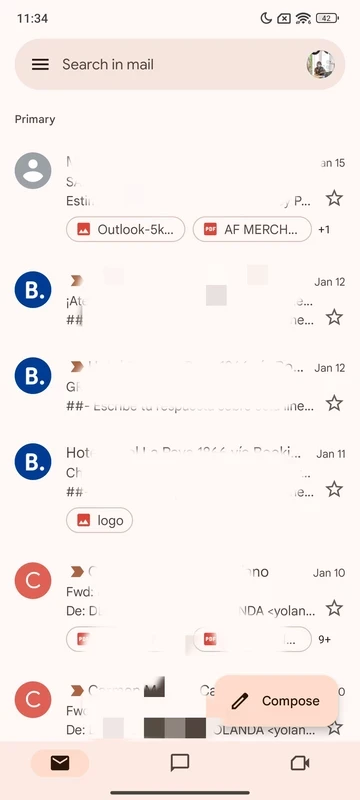
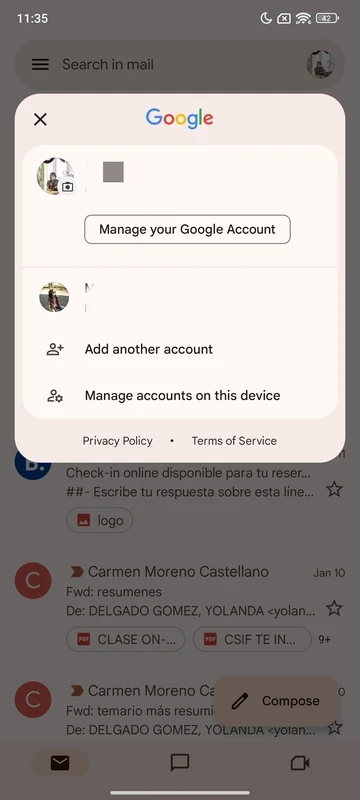
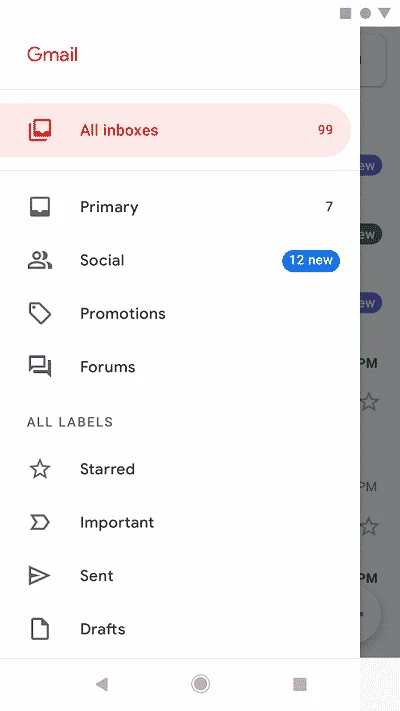
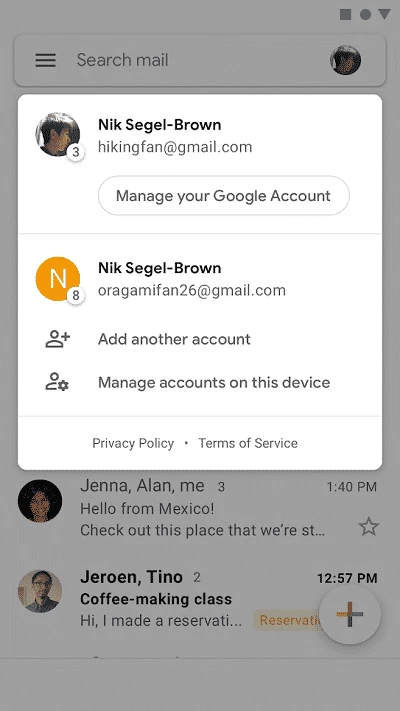
The app offers a simple and straightforward process, as you open the app and sign in using your credentials, such as your email. Enter your profile picture, name, and other preferences. Next, check the box to accept “Terms of Service”. Finally, select the account from the list, and start using Gmail on your Android device. The main page of the app is called “Inbox,” which is divided into four main tabs: primary, social, promotion, and updates. The left panel has three main buttons, including menu, search, and compose.
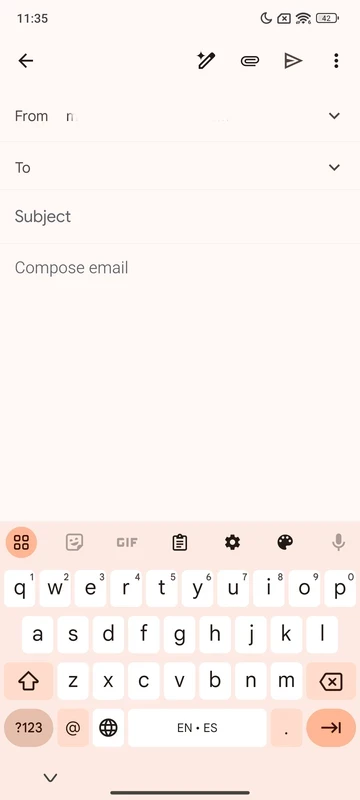
You can view or read any email by simply clicking on it. Use the “Compose” button to send your emails or attachments. You can select multiple emails to operate the same functions, such as deleting, archiving, or marking as unread.
It is a key feature for seamless collaboration between users. It allows organizing people, topics, and projects. It is the best solution to manage your team workflow, and allows you to share goals and initiatives with other members. The users can share content using different Google services, such as Google Meet.
As the app is part of the big giant, Google, you will find 100% security and privacy, as the app prevents 99.9% of spam, phishing, and malware automatically. Like declutter your main page while unsubscribing from the unwanted senders. In addition, two-step verification as an extra layer of protection enhances security and privacy, and also encrypts your sending and receiving emails with 100% guaranteed confidentiality.
It is the best option, especially in case sending an email by mistake to the wrong number, the message wasn’t completely written, or you have forgotten to attach an important file. You need simply to click the undo option, and retract the mail. In addition, the main interface is categorized with various options, including labeling, deleting, and reporting spam. This is a helpful feature to make your inbox tidy.
The app is integrated with a cloud storage service and offers 15GB of free cloud storage to enable users to manage their emails and messages. You can access stored messages any time you want, and delete unwanted emails to free up storage and declutter it for more storage. It also makes it possible to access the stored emails from multiple devices.
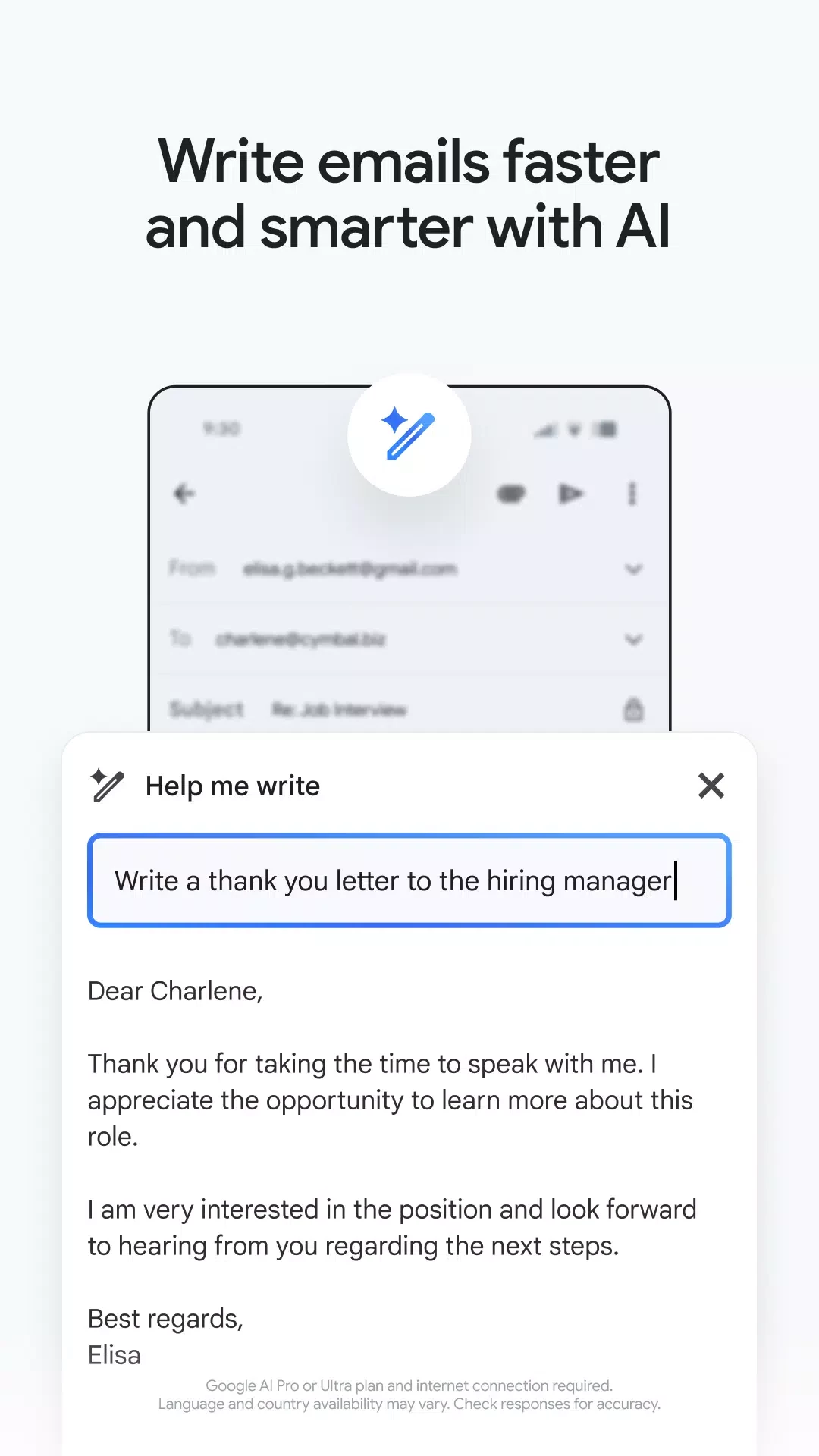
You will also get help from the exciting feature, and response quickly to emails while utilizing machine learning. It will very quickly analyze your writing pattern and complete your sentences. You will find the “Help me write” feature next to the send and formatting options. Simply click the button, and a new page will open, and you can create a draft and furnish constructive feedback and suggestions. In this way, you can save your time and enhance productivity in your communication.
The app is embedded with advanced search capability while using the powerful search engines of Google. It makes it possible to look for emails, attachments, or conversations for your ease. It also offers a filter option to manage emails by date, sender, content, and even keywords. It will make your access to the important information. It is the best option to manage a huge volume of files.
Similar to other Google products, Gmail also requires an internet connection, but the plus point is its support for offline mode. If you have an internet connection or mobile data, and want to check some important mail. It will allow you to check it. However, it is necessary to enable the offline mode when you are connected to Wi-Fi. You can also write and compose an email that will be sent automatically after you are connected to the internet.
Pros
Cons

Download or update WhatsApp Plus APK 2025 Latest Version improved and customized privacy options, share data without limit or size.

Download GB WhatsApp APK Anti-Ban 2025 Updated Version that offers to hide some of your private chats, and Scheduler your Messages.

YOWhatsApp (YoWA), a combination of Whatsapp classic and additional features

Fouad iOS WhatsApp offers a unique Apple iPhone-style interface

FM WhatsApp is the Latest Version mod of WhatsApp, offering all the missing additional features

JTWhatsApp Download or update and join your community with limitless privacy, customization, and other features